

Introduction
QFPay Checkout and Payment Element SDK both support Apple Pay as an embedded payment option. Merchants must first enable this payment method in the QFPay backend before customers can use it. Apple Pay helps improve authorisation rates and streamlines the checkout experience on Apple-supported devices.Supported Devices
Apple Pay is available on:- iPhone
- iPad
- Mac (via Safari)
- Third-party browsers on Windows and other platforms (via QR Code mode)
Apple Pay is not supported on Android devices.
If a customer selects Apple Pay on an unsupported device, the Apple Pay button will be hidden automatically.
If a customer selects Apple Pay on an unsupported device, the Apple Pay button will be hidden automatically.
QR Code Payment Mode
If the customer is using a device that does not support Apple Pay natively—such as a Windows desktop—a QR code will be displayed automatically. The customer can scan this QR code using a supported iPhone or iPad (iOS version ≥ 18) to complete the payment securely.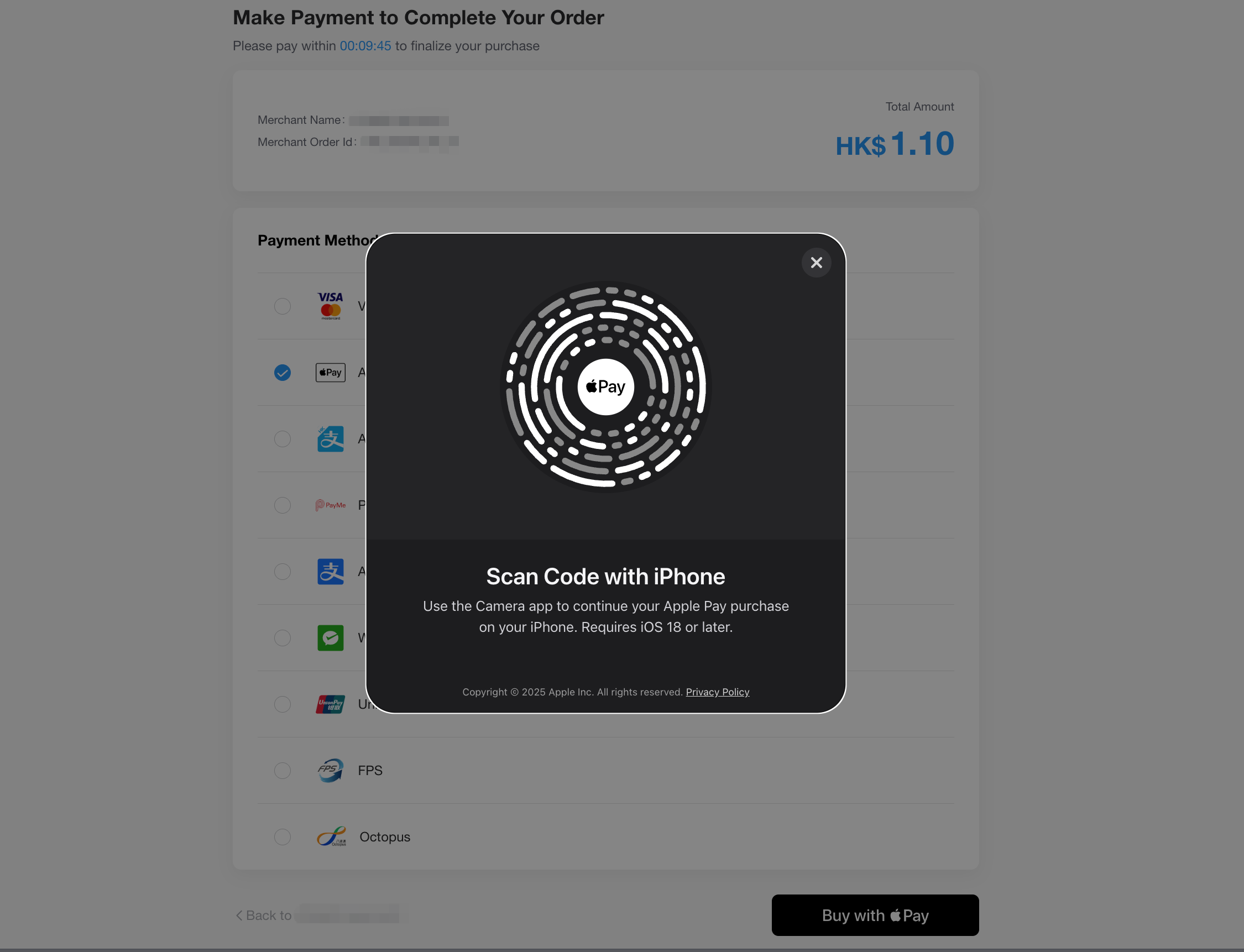
Domain Verification for Payment Element SDK
If you integrate Apple Pay using the Payment Element SDK, you must verify your domain before accepting payments.-
Download the
apple-developer-merchantid-domain-associationfile provided by QFPay. To obtain the file, please contact technical support. -
Upload the file to the following location on your website:
https://[your-domain]/.well-known/apple-developer-merchantid-domain-association - Contact QFPay Technical Support to complete the domain verification.